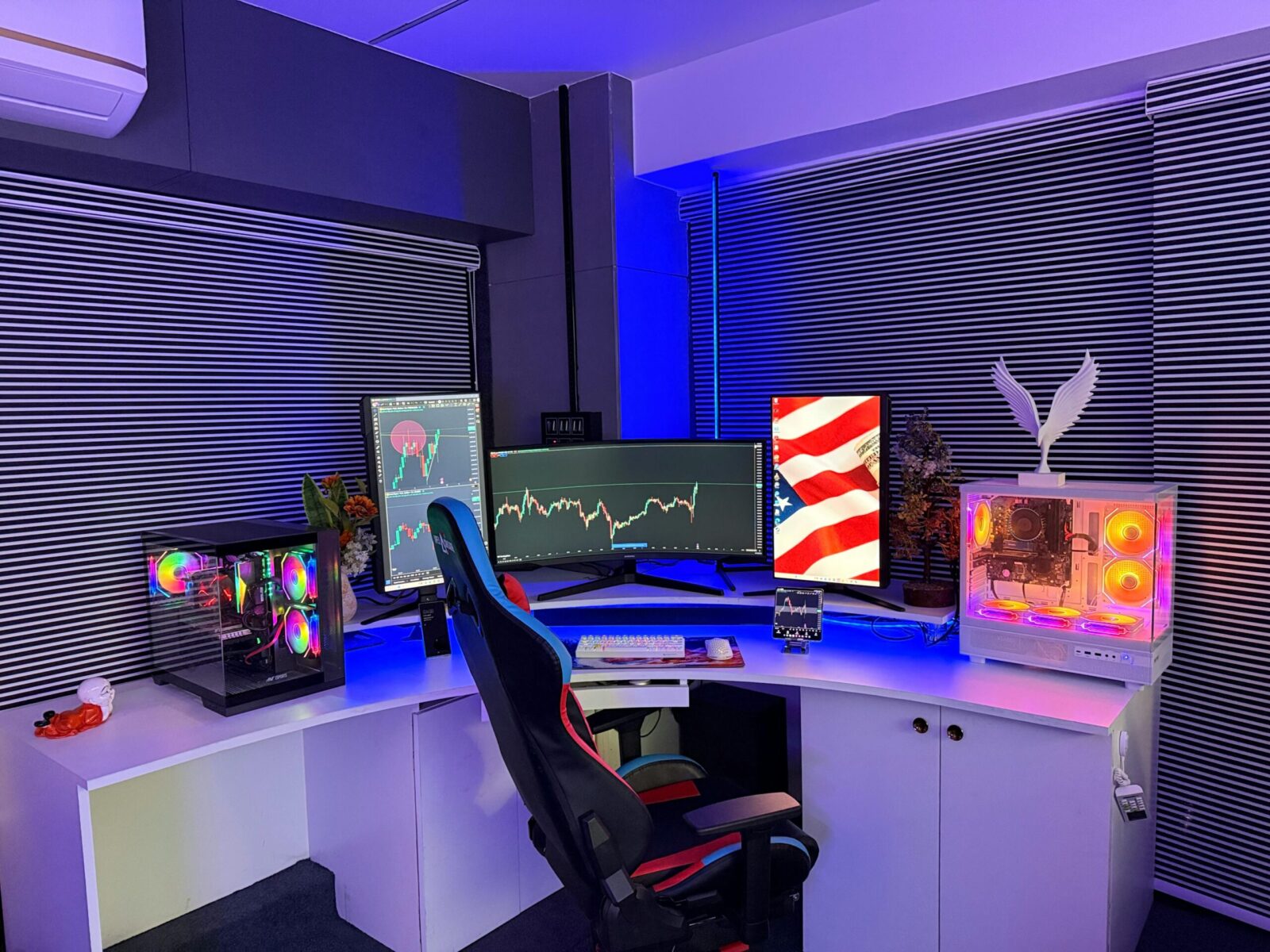
If you care about inky blacks and eye-searing highlights, you’re probably weighing Micro-RGB vs. OLED for your next monitor or TV. OLED has a reputation for “infinite” contrast thanks to self-emissive pixels. Micro-RGB, shorthand here for RGB micro‑LED local dimming behind an LCD, promises blistering HDR brightness with fewer trade-offs over time. Which one actually looks better in your space, for your content, at your desk distance? Let’s break it down without the hype and get you to a confident pick.
How the Technologies Work
OLED: Self-Emissive Pixels
Each OLED pixel is its own light source. When a pixel is off, it emits no light, so you get true black at the pixel level. There’s no backlight, no local dimming zones, and essentially instantaneous pixel response (great for motion clarity). The downside is power and heat are tied to how much of the screen is bright. To manage heat and longevity, OLEDs use brightness limiting algorithms in high-average scenes, which you’ll notice as ABL (Automatic Brightness Limiter) dimming in full-screen whites or long bright scenes.
Micro-RGB: RGB Micro-LED Local Dimming Over LCD
Micro-RGB combines an LCD panel with a dense grid of RGB micro‑LEDs acting as the backlight. Instead of a single uniform backlight, you get thousands of independently controlled zones (the exact count varies by model). The LCD handles color and grayscale modulation: the micro‑LED array handles per-zone luminance. Because micro‑LEDs are incredibly efficient and bright, these displays can reach very high peak and sustained brightness with excellent HDR headroom. But, since the backlight is zoned, not per-pixel, the light can spill into adjacent areas, causing halos or blooming around bright objects on dark backgrounds. Improved algorithms, higher zone counts, and better optical layers reduce this, but don’t eliminate it entirely.
Blacks and Dark-Scene Performance
Black Level and Uniformity
If your number-one priority is absolute black, OLED still wins. A single pixel can shut completely off, so starfields, credits, and moody night scenes look “inked” rather than dark gray. Black uniformity is also superb because there’s no backlight panel to introduce clouding.
Micro-RGB gets impressively close, especially on sets with very high zone counts and careful calibration, but it’s still driving light through an LCD stack. That means a dark scene with scattered highlights may show slightly elevated black floors in zones that need to stay partially active. On many modern units, this is subtle in real content, but when you’re in a dark room, you’ll notice it sooner than you would on OLED.
Blooming and Halo Control
OLED has no halos because each pixel is self-lit. Bright subtitles over black? Razor clean. UI elements in games? Crisp, with no light bleed.
Micro-RGB can exhibit halos when small, intense highlights sit against black. How visible it is depends on zone density, the tone-mapping algorithm, and viewing distance. Sit closer and you’ll catch more halos because your eyes separate small highlight boundaries from adjacent dark zones. Sit a bit farther and the effect blends away. With top-tier micro‑LED backlights, blooming has been reduced to the point that it’s minimal in most scenes, but not gone.
Brightness, Highlights, and HDR Headroom
Peak vs. Sustained Brightness
Here’s where Micro-RGB pushes ahead. Micro‑LED backlights can deliver extremely high peak brightness, well above most consumer OLEDs, and maintain higher sustained luminance across larger window sizes. In plain English: bright HDR scenes stay bright, not just tiny highlights in a dark frame.
OLEDs have improved peak brightness generation by generation, and some can hit very punchy highlights. But when a large portion of the screen turns white or bright, ABL dials things back to control heat and protect the panel. You’ll notice it in productivity apps with large white areas or in HDR scenes with high average picture levels.
Specular Highlight Precision and Control
Specular highlights, think glints on metal, sun sparkles on water, neon signage, are where HDR lives or dies. OLED renders those with pixel-perfect precision and no flare. If the content calls for a single-star pinpoint, you’ll get it exactly.
Micro-RGB can make those highlights brighter, often dramatically so, which adds a real “HDR pop.” But because illumination is zonal, a tiny highlight can light up an entire zone. The better the zone mapping and optical diffusion, the smaller the bloom. High-end Micro-RGB sets are genuinely impressive here, often delivering a “wow” factor in daylight viewing that OLED can’t match at the same sizes.
Real-World Use Cases
Movies and Streaming HDR
In a dim or fully dark room, you’ll appreciate OLED’s perfect blacks and absence of halos. Cinema letterbox bars disappear: shadow detail remains intact: and quiet scenes feel genuinely “off.” If you love moody cinematography, OLED is still the reference experience.
If you watch with some ambient light or prefer bright, punchy visuals, Micro-RGB shines. It can deliver dazzling HDR highlights that cut through daylight and sustain brightness across big, vivid scenes. Sports, animation, live shows, and bright blockbusters look fantastic.
Gaming: HDR Pop, Latency, and VRR
You want speed, clarity, and pop. OLED has near-instant pixel transitions, so motion looks crisp with minimal smearing. Input lag and VRR support are generally excellent on modern OLED gaming displays. HDR in dark game worlds looks sublime, UI overlays and torches in caves, starfields in space, all without halos.
Micro-RGB gaming monitors bring their own strengths: top-tier peak brightness for sunlit environments, neon cityscapes, and HDR effects that slap. With fast backlight control and high refresh rates, input lag is competitive. Blooming can appear around HUD elements, but improved dimming algorithms mitigate it. If you game in a bright room or want that “daylight HDR” punch, you’ll likely prefer Micro-RGB.
Creative Work: Color Accuracy and Reference Use
For color-critical work, both technologies can be calibrated to high accuracy, but they have different behaviors. OLED’s black floor helps with grading in dark suites, and pixel-level control reveals subtle shadow detail. Be mindful of ABL during large white UI layouts, it can shift perceived brightness as you move windows around.
Micro-RGB offers stronger full-screen and sustained brightness, which keeps reference whites and large highlights steady. That can be valuable for HDR mastering and for print-like UI consistency. But, you’ll need to evaluate halo behavior around bright overlays on dark previews. For soft-proofing and SDR editing in bright studios, Micro-RGB’s luminance stability is a genuine advantage.
Practical Considerations
Burn-In Risk, Longevity, and Care
OLED carries a non-zero risk of image retention/burn-in from static elements (HUDs, news tickers, UI chrome). Modern panels include protections, pixel shifting, logo dimming, panel refresh cycles, that make burn-in far less common with normal use. Still, if you run static content for hours daily, it’s a factor.
Micro-RGB uses inorganic micro‑LEDs for the backlight, so there’s essentially no burn-in at the backlight level, and the LCD layer doesn’t burn in. Long-term brightness stability tends to be stronger. If you need a display for mixed static content and long sessions, this is reassuring.
Size, Resolution, and Viewing Distance
OLED has expanded in size options, especially for TVs that moonlight as monitors, but small, high‑PPI desktop OLED monitors are still fewer than LCD-based options. Text clarity on OLED is excellent, but you’ll want proper subpixel rendering and scaling.
Micro-RGB piggybacks on LCD manufacturing, so you’ll see wider coverage of desktop-native sizes and resolutions. Zone size relative to your viewing distance matters: the closer you sit, the more likely you are to notice halos on high-contrast UI elements. If you sit farther back (TV distance), halos are less apparent.
Price, Availability, and Future Outlook
OLED pricing has come down, and availability is broad. You can find excellent panels across sizes with strong HDR and gaming features. Micro-RGB with dense micro‑LED backlights tends to be pricier at the cutting edge, and true “micro‑LED per-pixel” displays remain extremely expensive. Expect rapid iteration on Micro-RGB dimming algorithms and higher zone counts, while OLED continues to boost peak brightness and longevity. Competition is good news: both camps are getting better year over year.
Frequently Asked Questions
In Micro-RGB vs. OLED, which delivers the best blacks for movies and dark scenes?
OLED wins for absolute blacks. Its self-emissive pixels shut off individually, producing inky black levels with superb uniformity and zero halos. Micro‑RGB comes close with dense local dimming, but light can bleed between zones, slightly elevating black floors or creating subtle blooming in high‑contrast dark scenes.
Which technology offers the brightest HDR highlights and sustained luminance?
Micro‑RGB typically provides higher peak and sustained brightness, maintaining punch in large bright scenes and daylight viewing. OLED can produce precise, punchy specular highlights, but its Automatic Brightness Limiter reduces luminance in high‑average‑picture‑level content, making full‑screen whites and extended bright scenes dimmer than on well‑executed Micro‑RGB displays.
For gaming at a desk, is Micro-RGB or OLED the better choice?
OLED excels with near‑instant pixel response, crisp motion, excellent VRR, and halo‑free UI elements—ideal for dark games. Micro‑RGB delivers stronger daylight HDR pop and high sustained brightness, great for bright rooms. Expect occasional blooming around HUDs up close, though advanced dimming algorithms reduce it on premium models.
How does QD‑OLED affect the Micro-RGB vs. OLED decision?
QD‑OLED is a variant of OLED that converts blue OLED light through quantum dots for richer color volume and higher brightness than many white‑OLED panels. It keeps OLED’s pixel‑level blacks and fast response, narrowing the brightness gap with Micro‑RGB—though Micro‑RGB still tends to lead in full‑screen and sustained luminance.
Do OLED or Micro-RGB monitors handle bright rooms and glare better?
Anti‑reflective coatings matter most for glare control, regardless of panel tech. That said, Micro‑RGB’s higher sustained brightness helps it overcome ambient light more easily, preserving HDR impact in sunlit spaces. OLED can look washed out in very bright rooms unless paired with strong anti‑glare treatments and controlled lighting.
No responses yet