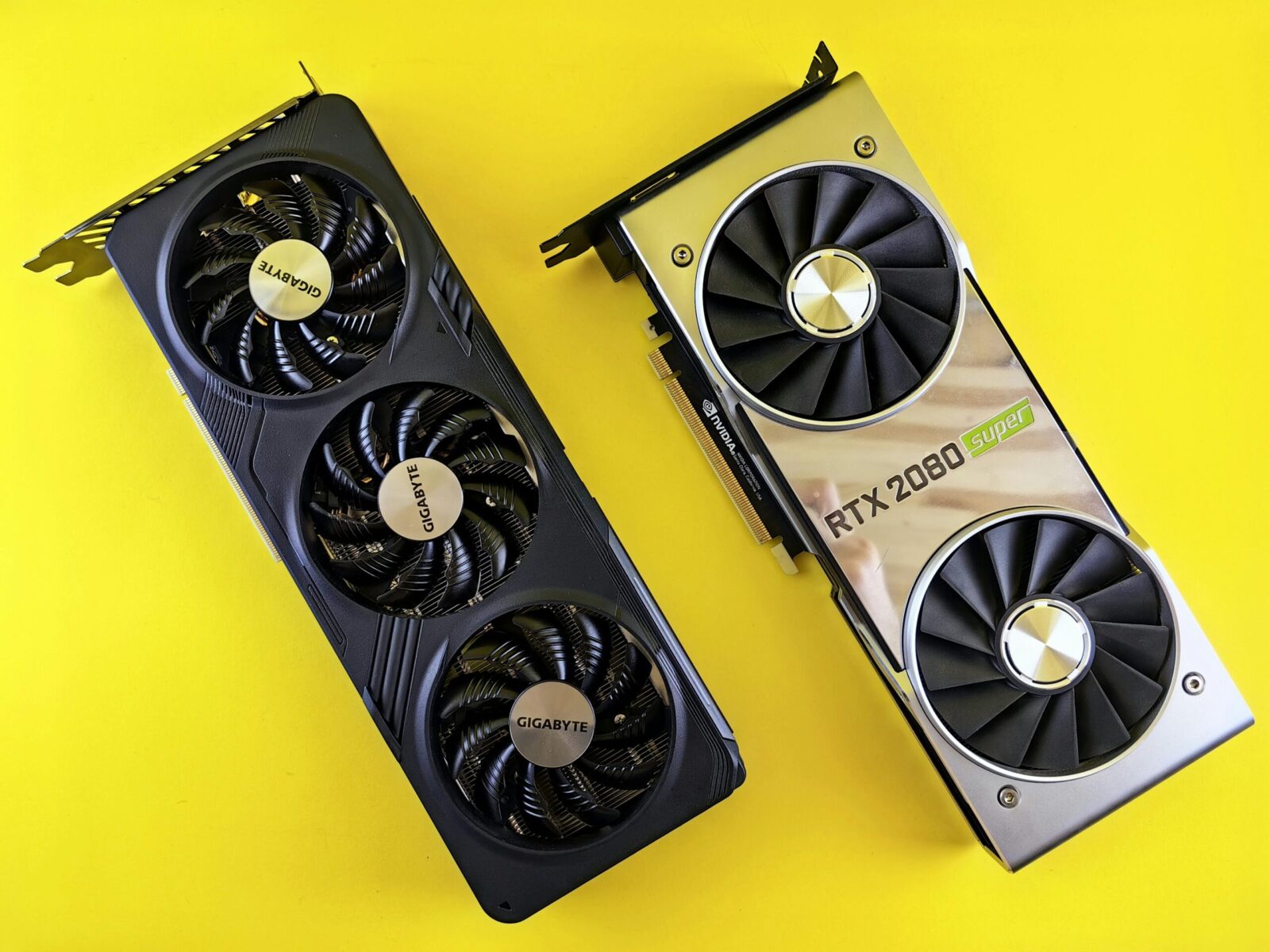
If you care as much about the glow as the frames, you’re in the right place. This guide to the best NVIDIA & AMD graphics cards for RGB enthusiasts this year focuses on two things: elite performance and lighting that actually elevates your build. You’ll get clear picks in every price tier, plus practical advice on zones, software sync, and cable planning so your GPU doesn’t fight your theme, or your sanity.
What RGB Enthusiasts Should Look For
A great-looking card is more than a few LEDs slapped on a shroud. You want lighting that’s bright, even, and controllable, ideally synchronized with the rest of your rig.
- Diffused, directional lighting: Look for edge diffusers along the top rail, illuminated logos on the backplate, and fan-ring halos. Diffusion hides hotspots and helps your colors read cleanly through glass.
- Zone count and placement: Multiple addressable RGB zones (top edge, logo, fan hub, and rear/backplate) let you layer effects without overkill.
- Software ecosystem fit: ASUS Aura/Armoury Crate, MSI Mystic Light (MSI Center), Gigabyte Control Center (RGB Fusion), ASRock Polychrome, Sapphire TriXX, Zotac Spectra, you’ll save time if your GPU’s software matches your motherboard’s.
- Power/cooling headroom: High-end cards with better coolers stay quieter: quieter fans make lighting the star.
- Physical fit and cable reality: Triple‑slot+ shrouds look incredible but need space. If you’re using the 12V‑2×6 connector, plan for clearance or get an angled adapter for a cleaner line.
In short, prioritize diffused zones you can sync, a cooler that won’t roar under load, and a design language that matches your case and motherboard.
Best Flagship RGB GPUs
If you want max performance and showpiece lighting, these are the most consistent wins across board partners.
Top NVIDIA Picks For Aesthetic + Performance
- GeForce RTX 4090: Still the brute-force king for 4K with headroom for path-traced games. For RGB specifically, ASUS ROG Strix and MSI Suprim X lines deliver the most refined diffusion and premium materials: Gigabyte AORUS Master adds bold light bars and a striking backplate. Zotac AMP Extreme AIRO has that curvy, underglow-like aesthetic with Spectra lighting if you prefer softer shapes. Pair a 4090 with an ATX 3.0/3.1 PSU and a native 12V‑2×6 cable for the cleanest run.
- GeForce RTX 4080 Super: A smarter flagship if you don’t need the absolute max. AORUS Master and ASUS TUF/ROG variants give you bright top-edge bars and a crisp logo: MSI Gaming X Trio is a little more understated but syncs beautifully and stays quiet. You still get strong 4K and excellent 1440p with room for overly fancy effects.
Top AMD Picks For Aesthetic + Performance
- Radeon RX 7900 XTX: AMD’s 4K powerhouse. Sapphire Nitro+ is the aesthetic standout, diffused top edge, lit logo, and tasteful backplate glow with TriXX control and motherboard sync. PowerColor Red Devil leans aggressive, with triple‑strip accents and a bold illuminated logo that reads clearly in vertical mounts. ASRock Taichi adds a distinctive gear motif if you want something less conventional.
- Radeon RX 7900 XT / 7900 GRE: Slightly less brute force than XTX, but excellent for high-refresh 1440p and creator workloads. You’ll find similar lighting options across Nitro+, Red Devil, and Taichi, with fewer LEDs on some GRE boards depending on region.
Aesthetic Standouts And RGB Zone Designs
Not all lighting is equal. The cleanest builds tend to use:
- Top-edge diffusers that face the glass: These create a consistent color bar you can read from across the room.
- Backplate logos with even illumination: They photograph well and don’t create hotspot glare.
- Fan-ring halos: Subtle, but they add motion to static themes without screaming “rainbow.”
- Underglow shrouds: Seen on Zotac’s AIRO and some AORUS cards, giving a soft wash against the PSU shroud.
If you’re building all-white, consider ASUS ROG Strix White or select AORUS/Gigabyte and Sapphire special editions: they reflect color better and look brighter at lower LED intensity.
Best Upper-Midrange RGB GPUs
Upper‑midrange is the real sweet spot for most RGB-first builds: plenty of frames, lower heat, and plenty of board-partner bling.
Top NVIDIA Picks In The Upper Midrange
- GeForce RTX 4070 Super: Great 1440p, DLSS 3 frame gen, and very manageable thermals. MSI Gaming X Trio and Gigabyte AORUS Elite/Master variants bring strong top-edge lighting and tasteful fan halos. ASUS TUF gives you a durable, slightly more subdued glow if you favor industrial looks.
- GeForce RTX 4070: Still a winner for compact or quieter cases. You’ll find nice RGB on AORUS Elite and some PNY VERTO EPIC‑X models if you want brighter accents without going full flagship. Zotac Twin Edge leans minimal: go Trinity if you want more glow.
Top AMD Picks In The Upper Midrange
- Radeon RX 7800 XT: Exceptional 1440p value. Sapphire Nitro+ is again the go-to for diffused, controllable zones: PowerColor Red Devil offers a high-contrast look that pops in darker cases. ASRock Phantom Gaming models add clean edge lighting that syncs well with Polychrome.
- Radeon RX 7700 XT: Slightly leaner but still strong for high-refresh 1080p/1440p. Aesthetics vary by board partner: Sapphire Pulse is more minimal, so if RGB is a must, look for Nitro+ or Red Devil trims when available.
Best Budget RGB GPUs
On a tighter budget, you can still get tasteful lighting, just be choosy about the exact AIB model.
Top NVIDIA Picks On A Budget
- GeForce RTX 4060 Ti (8GB/16GB): Performance is mid‑pack, but power draw and noise are low, which helps your lighting shine. Gigabyte Gaming OC or AORUS (when available in this tier) provide better RGB than barebones boards. PNY VERTO EPIC‑X often delivers brighter accents at this price point.
- GeForce RTX 4060: Cool and quiet. Look for ASUS Dual with subtle edge glow or Gigabyte Eagle/Gaming for a more visible top light. Zotac Twin Edge is compact and understated if you want just a logo glow.
Top AMD Picks On A Budget
- Radeon RX 7600 XT / RX 7600: Best value for 1080p. Sapphire Pulse and XFX Speedster lines are light on RGB: if you want glow, check ASRock Phantom Gaming or Sapphire Nitro+ trims when they drop to sale pricing. PowerColor Hellhound adds an icy fan glow that stands out without overpowering the build.
Software And Ecosystem Sync Considerations
Lighting that doesn’t sync is the fastest way to turn a premium GPU into an eyesore. Plan your ecosystem first.
Motherboard Sync And ARGB Headers
Most modern boards provide 5V 3‑pin addressable RGB (ARGB) headers and sometimes a legacy 12V 4‑pin RGB header. Your GPU’s LEDs aren’t plugged into these directly, but the vendor software hooks into the board’s controller so everything follows the same profile. Keep these in mind:
- Match 5V ARGB devices to 5V headers only, mixing 12V and 5V will fry LEDs instantly.
- Direction matters on ARGB daisy-chains. Respect the data arrow on splitters and strips so effects animate correctly.
- If you’re short on headers, use a SATA‑powered ARGB hub to consolidate strips, fans, and blocks. It lightens the draw on the motherboard and simplifies cable runs.
Brand Software Suites And Third-Party Control
Sticking to one vendor reduces headaches: ASUS Aura (Armoury Crate), MSI Mystic Light (within MSI Center), Gigabyte Control Center (RGB Fusion), ASRock Polychrome, Sapphire TriXX, Zotac FireStorm with Spectra. If you mix brands, third-party tools like SignalRGB or OpenRGB can unify effects across vendors. SignalRGB offers polished device profiles and game integrations: OpenRGB is lightweight and powerful but device support varies by revision. Whichever route you choose, set one app as the “owner” to avoid conflicts and disable extras in the others.
Build And Installation Tips For Cohesive Lighting
You don’t need more LEDs, you need smarter placement and cleaner routing. A well-planned layout makes midrange cards look premium.
Cable And Hub Planning For Clean Runs
Sketch your cable paths before you mount the GPU. If your card uses the 12V‑2×6 connector, grab a certified angled adapter to keep the bend radius healthy and the line invisible from the glass. Hide ARGB hub and fan hub near the PSU shroud: one SATA line per hub keeps power delivery stable. Use short ARGB extensions to jump from the hub to the GPU-adjacent accessories (front fans, a light strip along the top rail), and secure slack behind the motherboard tray. Label channels in your software so you can coordinate effects by zone, not by guesswork.
Cooling, Noise, And PSU Considerations
Quiet is part of the aesthetic. Aggressive fan ramps strobe your halos and distract from smooth gradients. Build a gentler curve in your GPU tool and motherboard BIOS so fans ramp smoothly with temperature. High-end cards respond well to a mild undervolt, shaving 30–60 W on a 4090 or 7900 XTX often cuts noise without tanking frames. For power, favor an ATX 3.0/3.1 unit with a native 12V‑2×6 cable: figure 1000 W for a 4090, 850–1000 W for a 4080 Super or 7900 XTX depending on the CPU. Stable power eliminates transient dips that can desync lighting or cause coil whine to cut through the show.
Small-Form-Factor Considerations
SFF cases magnify both beauty and mistakes. Short cards like RTX 4070/4060 Ti ITX variants or RX 7600 boards fit cleaner and reduce cable clutter: large triple‑slot 7800 XT/7900 cards can choke airflow and hide your RGB behind the front fans. In vertical GPU mounts, pick models with bright top-edge diffusers or backplate logos so the glow faces the glass. Skip overdone rainbows, one accent strip along the edge plus a soft case underglow reads sharper in tight volumes.
Frequently Asked Questions
What should RGB enthusiasts look for in a GPU?
Prioritize diffused, even lighting on the top edge, fan-ring halos, and a cleanly lit backplate logo. Choose cards with multiple addressable zones and software that matches your motherboard (Aura, Mystic Light, RGB Fusion, Polychrome, TriXX, Spectra). Ensure cooling headroom, plan 12V‑2×6 cable clearance, and match your case’s aesthetic.
What are the best NVIDIA & AMD graphics cards for RGB enthusiasts this year?
For NVIDIA, RTX 4090 (ROG Strix, Suprim X, AORUS Master, Zotac AMP Extreme AIRO) and RTX 4080 Super (AORUS, ROG/TUF, Gaming X Trio) offer elite lighting and performance. For AMD, Radeon RX 7900 XTX (Sapphire Nitro+, PowerColor Red Devil, ASRock Taichi) and 7900 XT/GRE deliver standout diffusion and sync support.
Which upper‑midrange and budget picks are the best NVIDIA & AMD graphics cards for RGB enthusiasts?
Upper‑midrange: RTX 4070 Super/4070 (AORUS, Gaming X Trio, ASUS TUF) and RX 7800 XT/7700 XT (Sapphire Nitro+, Red Devil, ASRock Phantom Gaming). Budget: RTX 4060 Ti/4060 (Gigabyte Gaming/AORUS, PNY EPIC‑X, ASUS Dual) and RX 7600 XT/7600 (ASRock Phantom Gaming, Sapphire Nitro+, PowerColor Hellhound).
How do I sync a GPU’s RGB with the rest of my PC?
Use the same ecosystem where possible: ASUS Aura/Armoury Crate, MSI Mystic Light, Gigabyte Control Center, ASRock Polychrome, Sapphire TriXX, or Zotac Spectra. If mixing brands, SignalRGB or OpenRGB can unify effects. Match 5V ARGB devices to 5V headers, observe data direction, use a SATA‑powered ARGB hub, and let one app control ownership.
Do RGB lights affect GPU temperatures or performance?
RGB LEDs draw minimal power and add negligible heat. Temperatures are driven by the cooler, case airflow, and fan curves. For quieter, smoother lighting, use a gentle fan curve and consider a mild undervolt on high‑end cards; it can shave power and noise without noticeably impacting frame rates.
Can I add RGB to a non‑RGB graphics card?
Yes. Add slim ARGB light strips along the GPU’s top edge, use an RGB backplate or a lit support bracket, and connect to a 5V ARGB hub/header. Avoid covering vents or fans, secure with non-conductive tape, and don’t open the card—modding the shroud or PCB can void warranties.
No responses yet